Your Google Business Profile photos shape whether customers click, call, or scroll past you. Here's what to add, skip, and fix first.
Before a customer ever reaches your website, they’ve probably already seen you — your storefront, your team, your work — in Google Search or Maps. Whether you’re running an auto repair shop in Richland or a winery in Prosser, that’s often the very first impression a customer gets, right alongside your reviews, hours, and contact info.
Better photos don’t mean hitting some secret upload quota. They mean giving customers an accurate, useful look at the business they’re actually considering.
What matters most
- Google recommends business-specific photos that help customers know what to expect.
- There’s no magic photo count that guarantees more clicks or better rankings. Google’s own guidance recommends categories like exterior, interior, and team photos instead.
- Accurate images of your location, people, products, and work do more for you than a logo ever will.
- Photos build customer trust, but they don’t guarantee you’ll show up in an AI-generated recommendation.
Photos answer questions before the click
Different customers are hunting for different proof:
- A restaurant customer wants to see the dining room and the food.
- A patient wants to recognize the building and staff before they walk in.
- A homeowner evaluating a contractor wants proof of completed work.
The useful photo mix depends on your business. Google’s Business Profile photo guidance recommends category-specific images — at least three exterior photos and three interior photos, plus product, at-work, and team photos depending on what fits your business. It also requires every image to be in focus, well lit, and free of heavy filters or AI alterations — in other words, it has to represent reality.
That’s a far more useful bar than a number like “upload ten photos and watch engagement double.” You’ll see that kind of claim repeated online, but Google’s own guidance doesn’t support it — there’s no published threshold where a photo count doubles engagement or ranking. The real goal is coverage:
- Exterior photos help customers recognize the location and entrance.
- Interior photos show the space and what a visit may feel like.
- Team and at-work photos introduce the people and services behind the name.
- Product or finished-work photos provide evidence of what the business sells or delivers.
Not every business needs every category. Choose the images that answer real customer questions.


Start with accuracy, not polish
An old storefront image can send someone to the wrong entrance. A photo of a former team member may create confusion. A heavily filtered project image can set an expectation the real work does not match.
Review the images as a customer would. The first few should represent the business today. Replace anything misleading, blurry, badly cropped, or no longer relevant.
Professional photography is valuable when visual quality is central to the purchase — a restaurant, salon, winery, venue, or contractor portfolio, for example. But waiting for a full shoot isn’t a reason to leave your profile empty. A well-lit, truthful phone photo can solve an immediate information gap.
Further reading: Wondering if a phone photo is actually good enough for now? Should you use smartphone photos for your website?
Show the business, not just the brand
A logo helps with recognition, but it cannot show where to park, who will arrive, what a product looks like, or whether the company has performed a particular kind of work.
Use real images anywhere proof matters:
- For a service business, that’s the team at work and a finished result.
- For a retail location, it’s the exterior, interior, and your most important product categories.
- For a professional office, it’s the entrance, reception area, and staff.
Generic stock images are rarely useful on a Business Profile because they don’t document the actual business. Save them for situations where illustration is the goal, not evidence.
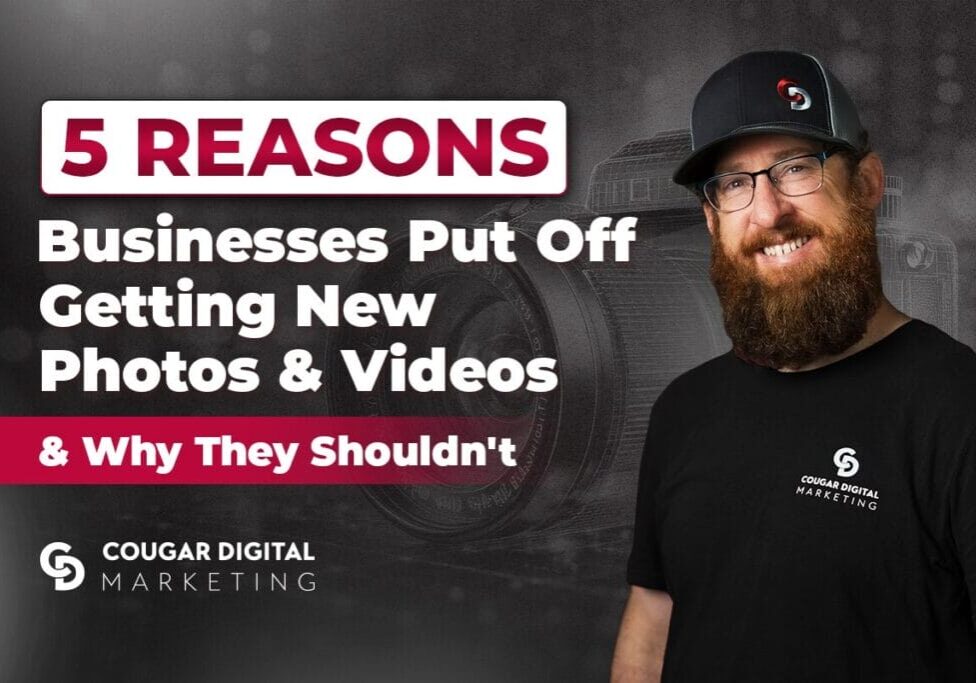
Further reading: Still weighing whether a shoot is worth it right now? 5 reasons businesses put off getting new photos and videos — and why they shouldn’t
Add photos when there is something useful to add
Google doesn’t publish a required upload schedule, and photo freshness isn’t a confirmed ranking factor — despite how often that gets repeated as fact. Update your profile when your business actually changes, not to “feed the algorithm.”
A remodel, new sign, new team, seasonal setup, or recent project can all justify an update. The purpose is to keep the customer’s view current, not to simulate activity for an algorithm.
Customer-uploaded images are part of the profile too. Adding strong business-owned photos does not guarantee which image Google will display first. If a customer image violates policy, report it through the proper process; do not report a truthful image simply because it is unflattering.
Photos and AI visibility are related only indirectly
Google Business Profile photos clearly affect what people see in Google Search and Maps. There is no public evidence that uploading a certain number makes a company more likely to be recommended by ChatGPT or another independent AI tool.
AI visibility depends more broadly on crawlable website content, accurate business information, reputable third-party sources, and the retrieval systems used for a particular answer. Keep the Business Profile accurate because customers use it and because its facts may be repeated elsewhere, not because photos are a guaranteed GEO tactic.
Our overview of AI search optimization explains how those wider signals fit together.
Further reading: Photos are only part of what shows up when someone looks you up. What people see when they Google you — and why reputation management matters
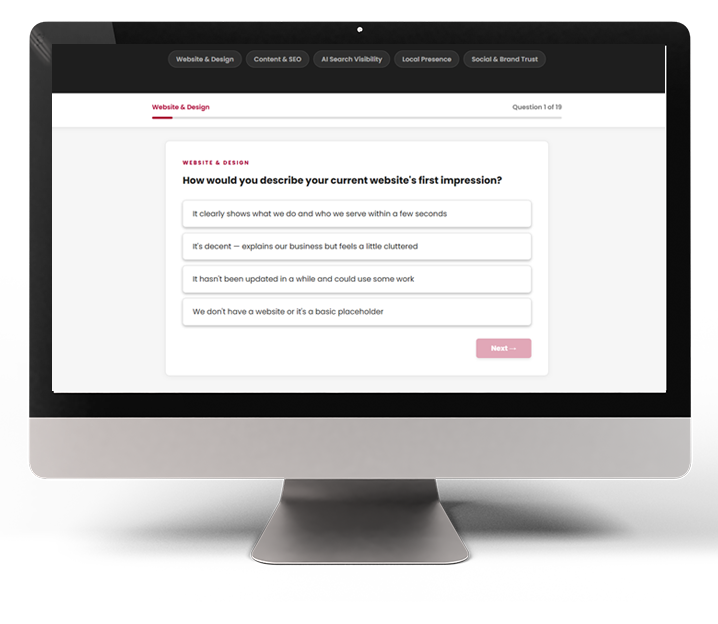
How visible is your brand online?
19 questions across five visibility categories — including where you stand in AI-powered search. Get your free graded report today!
A practical photo audit takes fifteen minutes
You don’t need a formal audit to get a first read on this — just your phone and a few honest minutes.
Here’s where to start:
- Pull up your Google Business Profile on your phone exactly like you’d stumble onto it mid-search.
- Look at the first few photos without assuming you already know what they show.
- Ask yourself: would a new customer recognize the location, the people, the products, or the work?
- Flag anything that conflicts with your business today — an old sign, a former team member, a dish you don’t serve anymore.
- Fix the single biggest gap first, then move to the next.
A contractor might add a recent finished project. A clinic might update its exterior and team photos. A restaurant might swap out an old dining-room shot for a current one.
Once your profile is accurate, decide whether a broader photo library would help your website and other marketing channels too.
Not sure whether your current photos are helping or hurting you? Cougar Digital’s photography services can help you plan a library that works across your Business Profile, website, and social channels. Contact us for a quick profile review.
Get a FREE marketing analysis & consultation!
In about 30 minutes, we'll cover your:
-
Business Goals and Challenges
-
Current Marketing Efforts
-
Target Audience and Market Insights
-
Competitor Analysis
-
Customized Growth Opportunities

Still curious? There's more where that came from.








Cougar Digital Marketing is a web design and digital marketing agency based in Tri-Cities and Prosser, Washington. We build custom websites, handle SEO, manage digital advertising, and provide photo and video support to help businesses grow. Questions? We're easy to reach.