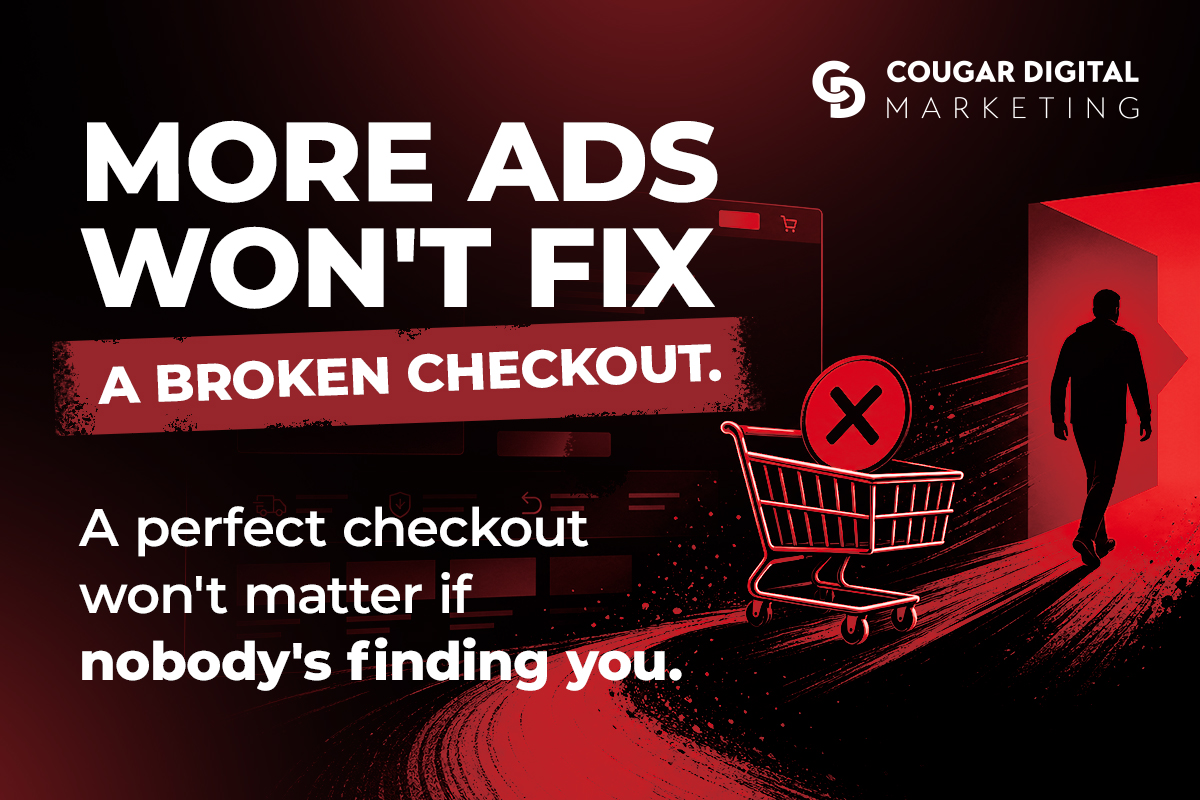
“No sales” looks the same from the outside no matter what’s causing it. But an empty order log usually comes from one of two very different problems, and they need completely different fixes.
Either nobody’s finding your store in the first place, or people are finding it and leaving before they buy. Fixing the wrong one wastes money — running more ads to a store people already bounce off of just gets you more people leaving, faster. Sinking time into checkout tweaks when the real problem is that no one’s arriving does nothing at all.
Start here: pull up your store’s analytics. If sessions are low, flat, or barely moving, start with Path A. If sessions are healthy — steady or growing — but sales aren’t following, skip to Path B.
Key takeaways
- Low or flat traffic and traffic-without-sales are different problems with different fixes — diagnose which one you have before spending on either.
- Product pages that aren’t set up with the words a buyer actually searches are invisible to anyone who isn’t already looking for your brand by name.
- Ranking only for your own store name caps your growth at people who already know you exist.
- Most checkout abandonment comes from surprise costs or too many steps, not price.
- Product pages that only describe the item, without answering buyer questions, quietly cost you the sale.
- An abandoned cart isn’t a lost sale yet — it’s a sale you can still go back for.
Path A: nobody’s finding your store
Product page SEO determines whether shoppers find you at all
If a product page isn’t set up with the words a buyer would actually search — not just your internal product name or SKU — it’s invisible to anyone who isn’t already looking for your brand by name. This is the most common reason a store sits with barely any traffic month after month: the pages exist, but nothing about them tells Google what a shopper searching for that product would type.
Further reading: The fundamentals are the same ones that apply to any page on your site — we break them down in our post on the importance of on-page SEO. Applied to ecommerce, it just means treating every product page like its own small landing page: a real title, real descriptive copy, and language that matches how a buyer searches, not how you catalog inventory internally.
Ranking only for your own brand name caps your growth
There’s a difference between showing up when someone searches your store’s name and showing up when someone searches for the product itself. The first only reaches people who already know you exist. The second is how you reach everyone else — and it’s usually the traffic that’s missing entirely.
If you check your search data and almost everything is your own brand name or close variations of it, that’s not organic growth. That’s word of mouth showing up in a spreadsheet. Real ecommerce traffic growth comes from ranking for the product and category terms a stranger types in when they don’t know your name yet.
Missing from Google Shopping means missing free visibility
If your products aren’t listed in Google Shopping, you’re invisible in one of the highest-intent places a buyer looks — the moment right before they decide what to purchase and from whom. This runs through a product feed connected to Google Merchant Center, separate from your regular website SEO, and it’s easy for a store to have solid on-page SEO and still be completely absent here simply because the feed was never set up.
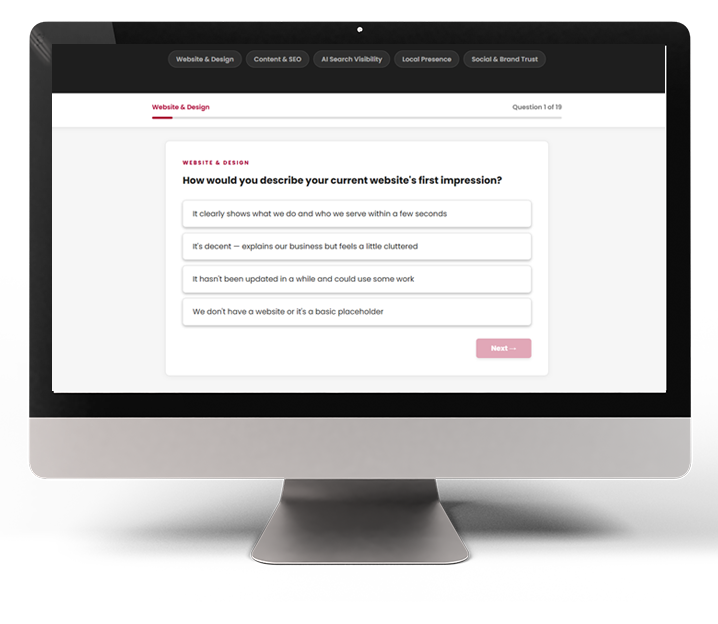
How visible is your brand online?
19 questions across five visibility categories — including where you stand in AI-powered search. Get your free graded report today!
Traffic that only lands on your homepage never reaches your products
If most of your traffic — paid or organic — points at your homepage and nothing points directly at individual product or category pages, you’re relying on every single visitor to navigate their way deeper into the store on their own. Some will. Most won’t. Digital advertising and organic search both work best when they send shoppers straight to the product they’re already looking for, not to a general front door they have to find their own way through.
Path B: people are showing up, but sales aren’t
Checkout abandonment happens when shoppers hit surprise costs and extra steps
The moment someone adds something to their cart, they’ve already decided they want it. If they bail before finishing, something in the process talked them out of it. The usual culprits, roughly in order of how often we see them:
- Shipping costs that appear for the first time at checkout. Nothing kills momentum like a $12 surprise on a $30 item.
- Being forced to create an account just to buy something. Every extra field is another chance to quit.
- A checkout that takes five screens instead of two. Each additional step is a fresh decision point for a shopper to reconsider.
- Missing the payment method the shopper actually wanted to use. If they expected to pay with a wallet app and only see a card form, some percentage will simply leave.
None of these individually feels dramatic. Stacked together, they’re enough to lose a sale that was already halfway won.
Product pages that only describe the item don’t sell it
A product page that lists dimensions, materials, and a price is doing half its job. The other half is answering the questions a buyer is actually asking themselves: will this work for me, what happens if it doesn’t fit, why should I trust this over the ten other tabs they have open. Pages that skip that second half read like inventory listings, not a reason to buy.
Think about the difference between “100% cotton, machine washable” and “runs true to size, holds up after dozens of washes, and doesn’t pill like the cheaper version you’ve probably already returned once.” Same product. Only one of those sentences answers a real hesitation.
Pro tip: Pull your last 10 customer service emails or DMs. The questions people ask you after they’ve already bought are almost always the exact questions your product pages should be answering before they buy.
Product photos and video build the trust that descriptions can’t
Shoppers can’t pick your product up, so photos and video are doing the job their hands would normally do. A single stock-feeling image, shot at one angle with no sense of scale, leaves a shopper to imagine the rest — and imagination tends to default to doubt, not confidence.
Multiple angles, a shot that shows real-world scale, and short video showing the product in use all close gaps that no amount of copy can close on its own. If your product photography hasn’t been refreshed since the store launched, it’s worth treating as seriously as a checkout fix — we cover this in more depth on our photography page.
A clunky mobile shopping experience costs online stores real sales
Most online shopping happens on a phone, not a desktop. A store that was designed and tested on a laptop and never seriously checked on mobile is guessing at how the majority of its own customers actually experience it.
Tiny tap targets, image galleries that don’t swipe cleanly, and checkout fields that force zooming in are the kind of thing an owner never notices — because they’re not the one shopping on a cracked screen with one thumb while standing in line. Test your own checkout flow on your phone, start to finish, at least once a quarter. If it frustrates you, it’s frustrating your customers.
Slow page load times quietly kill ecommerce sales
Every extra second a product page takes to load is another chance for someone to give up and go back to Google. Large, unoptimized images are usually the culprit, and they’re also one of the easiest things to fix once you know to look for it.
This compounds on ecommerce sites specifically, because product pages tend to be image-heavy by nature — multiple photos, sometimes video, sometimes both above the fold. If your website hasn’t been checked for load speed recently, it’s worth a look. We’ve written before about the hidden, ongoing cost of a slow, bloated site — the pattern holds just as true for a product catalog as it does for any other page.
Trust signals near the buy button close hesitant shoppers
Shoppers buying from a store they don’t already know are looking for reasons to feel safe clicking “buy.” Real reviews, real product photos instead of stock images, and a clearly stated return policy do more work sitting right next to the buy button than almost anywhere else on the page.
If that information exists somewhere on your site — a reviews page, a policies page buried in the footer — but not right there next to the price, it’s not doing its job. Trust signals only work if a shopper doesn’t have to go looking for them.
Abandoned carts are sales you can still recover
An abandoned cart isn’t a closed door. It’s a shopper who got most of the way to buying and got interrupted, distracted, or talked out of it by one of the frictions above. A simple follow-up — an email reminder, or a retargeting ad that shows them the exact item they left behind — recovers a meaningful share of those carts without spending a dollar on new traffic.
This is the same logic behind retargeting ads generally: showing up again for someone who already raised their hand is almost always cheaper and more effective than finding a brand-new shopper from scratch. We’ve written about how retargeting works and why smart businesses lean on it — for an ecommerce store, an abandoned cart is the single best-qualified audience you’ll ever get to retarget.
Where to start
If you’re not sure which path fits, the analytics check at the top of this post is the fastest way to find out. Fix the traffic problem before you spend more on ads. Fix the store experience before you assume you just need more visitors. If you want a second set of eyes on which one is actually holding your store back, send us a link to it and we’ll walk through what we find.
Get a FREE marketing analysis & consultation!
In about 30 minutes, we'll cover your:
-
Business Goals and Challenges
-
Current Marketing Efforts
-
Target Audience and Market Insights
-
Competitor Analysis
-
Customized Growth Opportunities

Still curious? There's more where that came from.




Cougar Digital Marketing is a web design and digital marketing agency based in Tri-Cities and Prosser, Washington. We build custom websites, handle SEO, manage digital advertising, and provide photo and video support to help businesses grow. Questions? We're easy to reach.